For schools & institutions

Your school bells, on time, every single day.

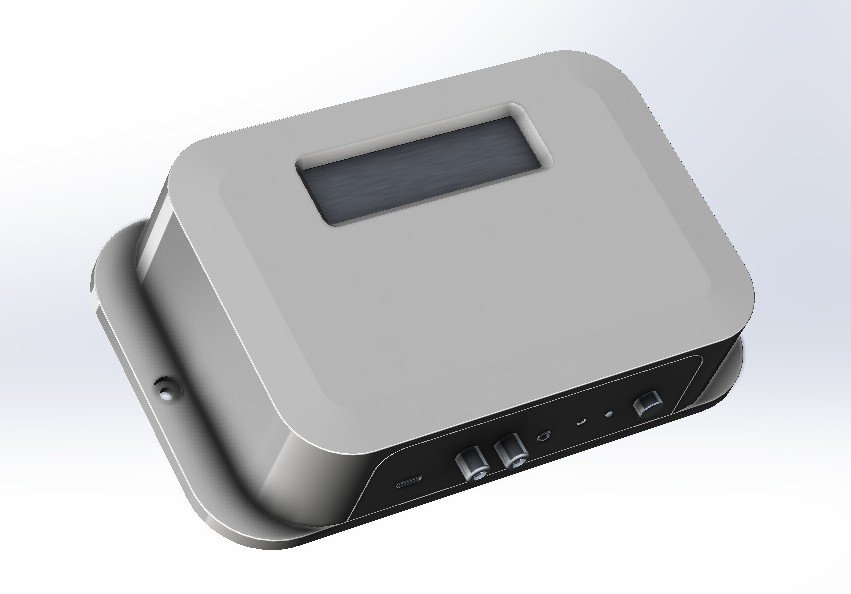
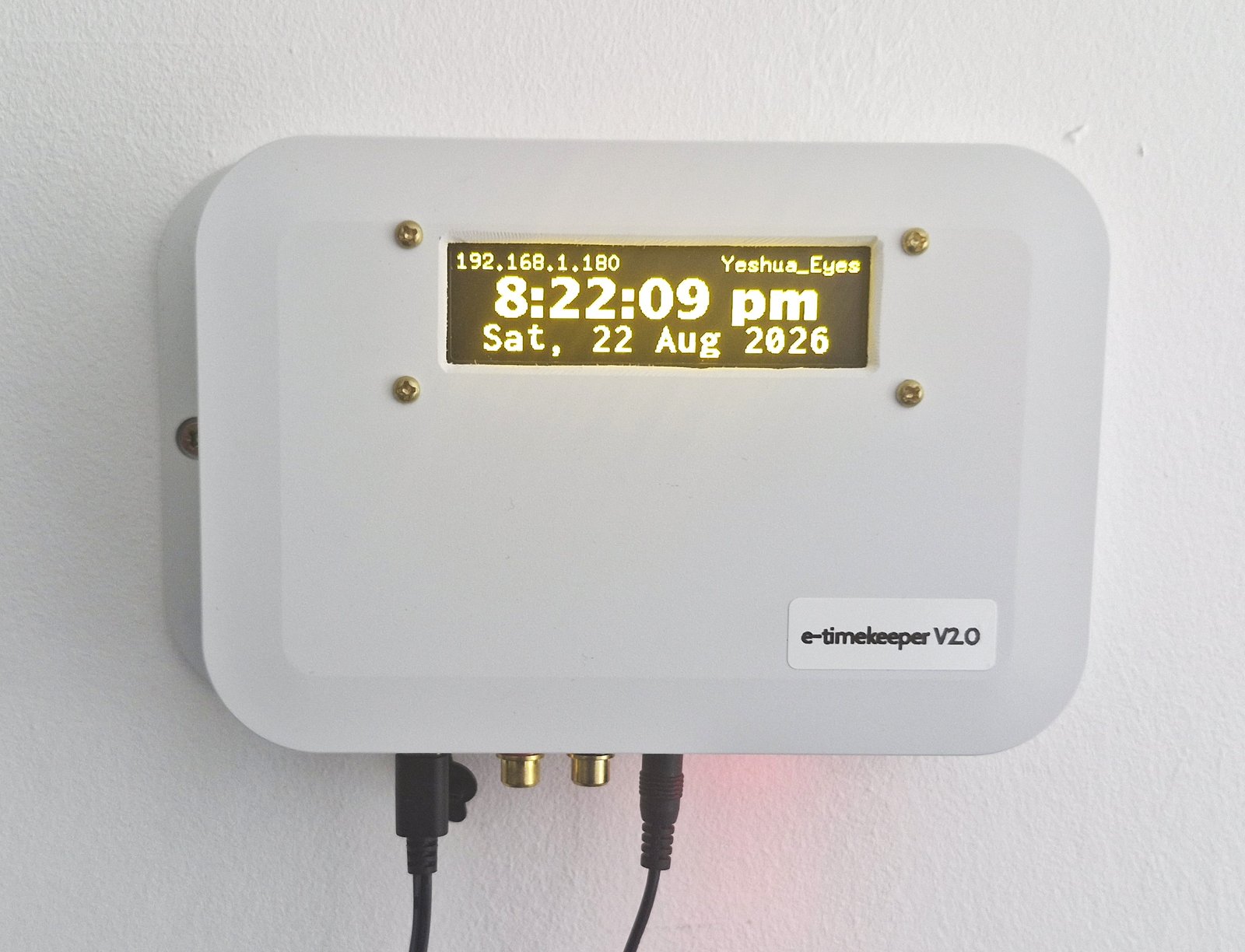
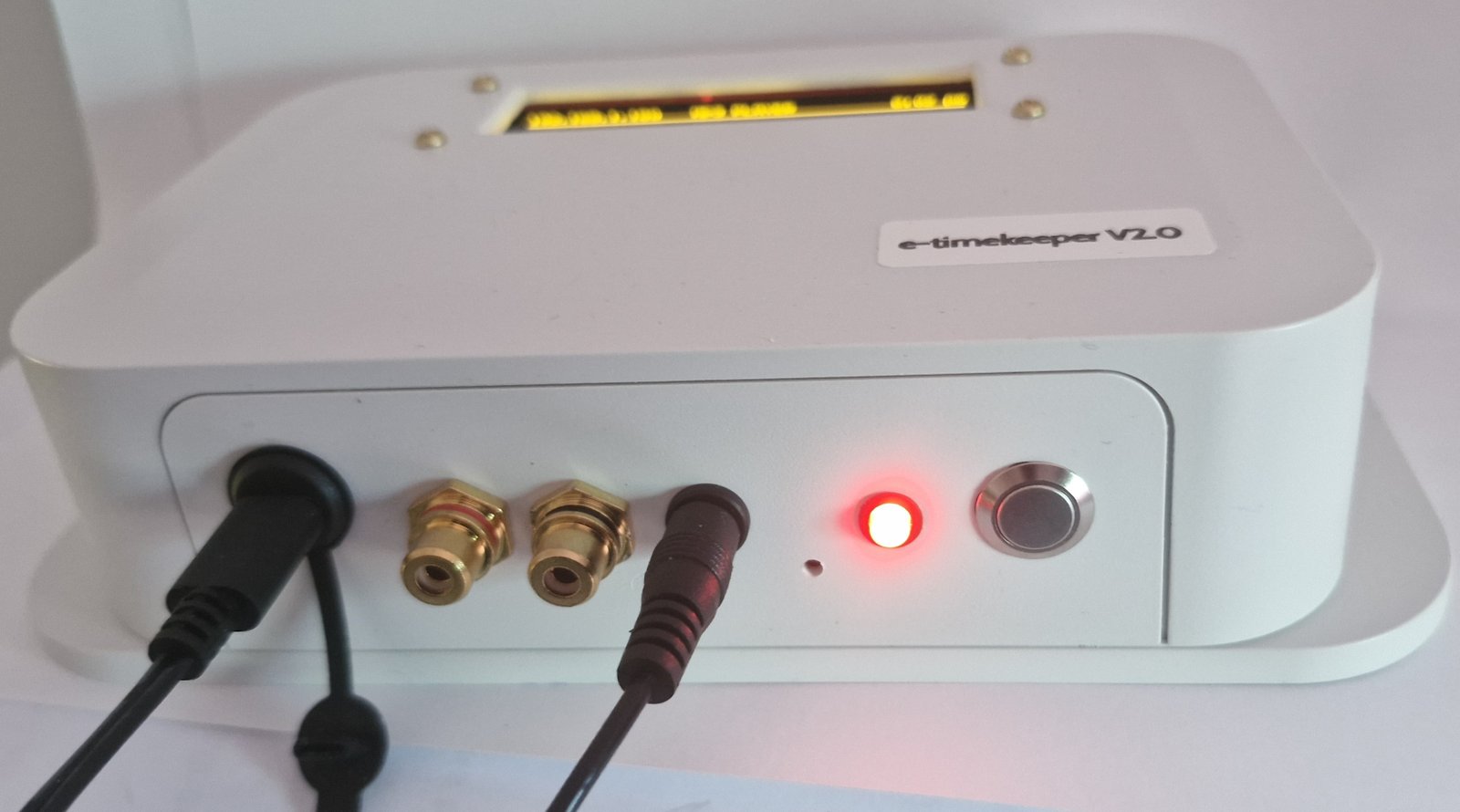
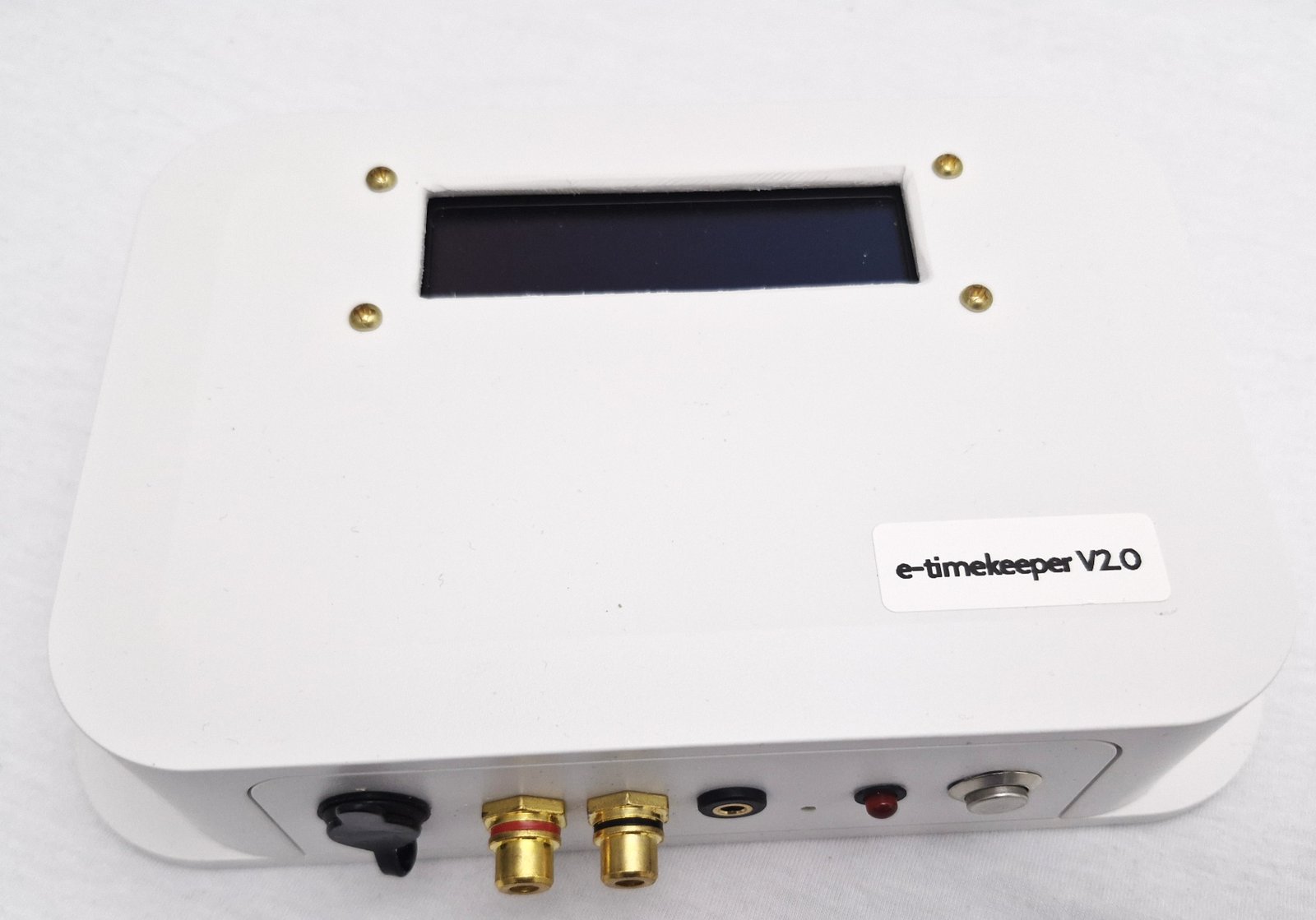
e-Timekeeper is a dedicated wall-mounted device that rings your bells, sounds period changes and plays announcements automatically. Set it once — it runs on its own.

Runs without a PC Survives power cuts Backed by real support
[ Your device photo here —
ideally wall-mounted beside a PA ]
Why schools choose it

A proper device for a job too important to forget.

Manual bells depend on someone remembering. A computer has to be left running. e-Timekeeper just works — quietly, reliably, on its own.

Set it once

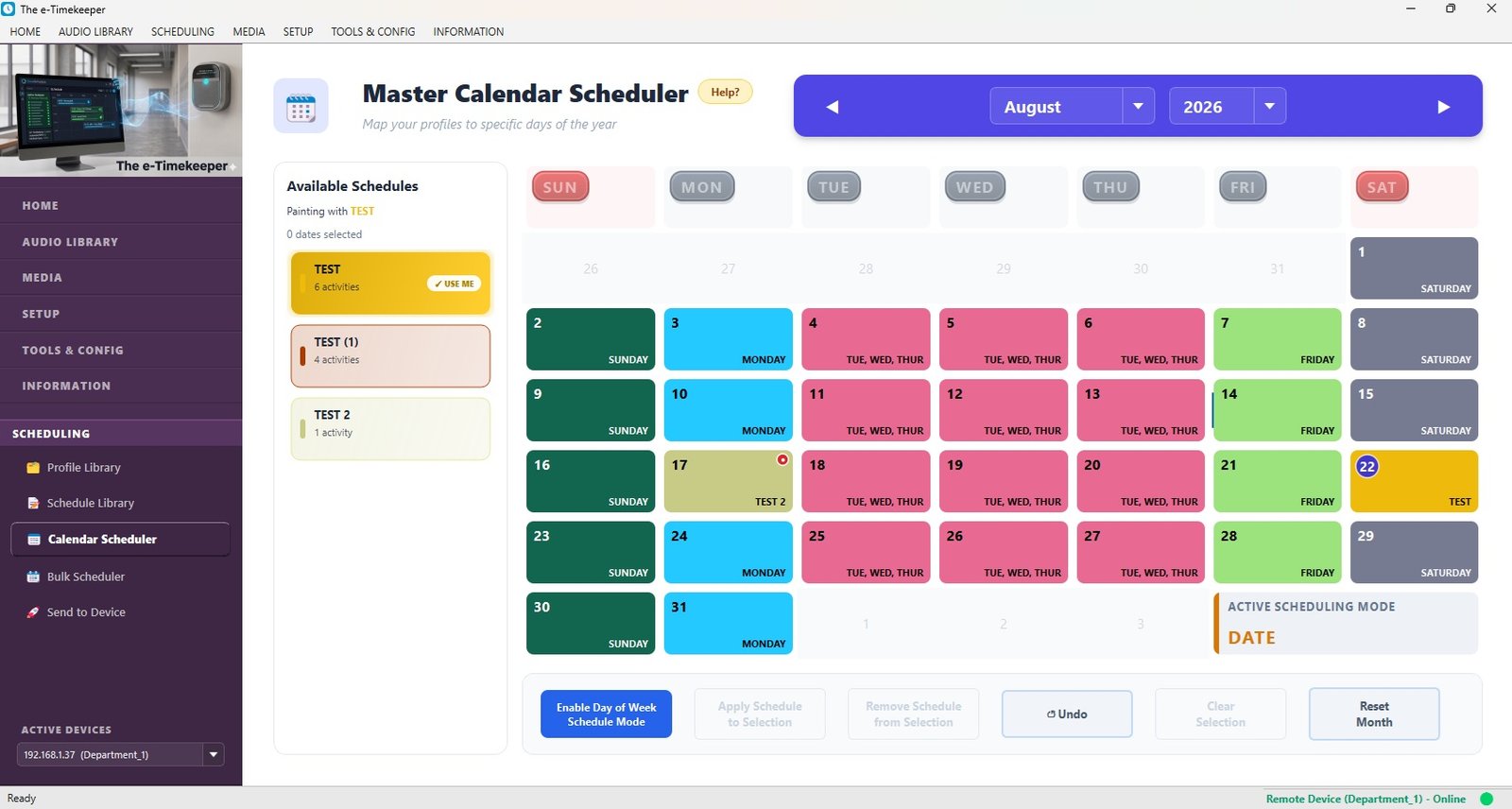
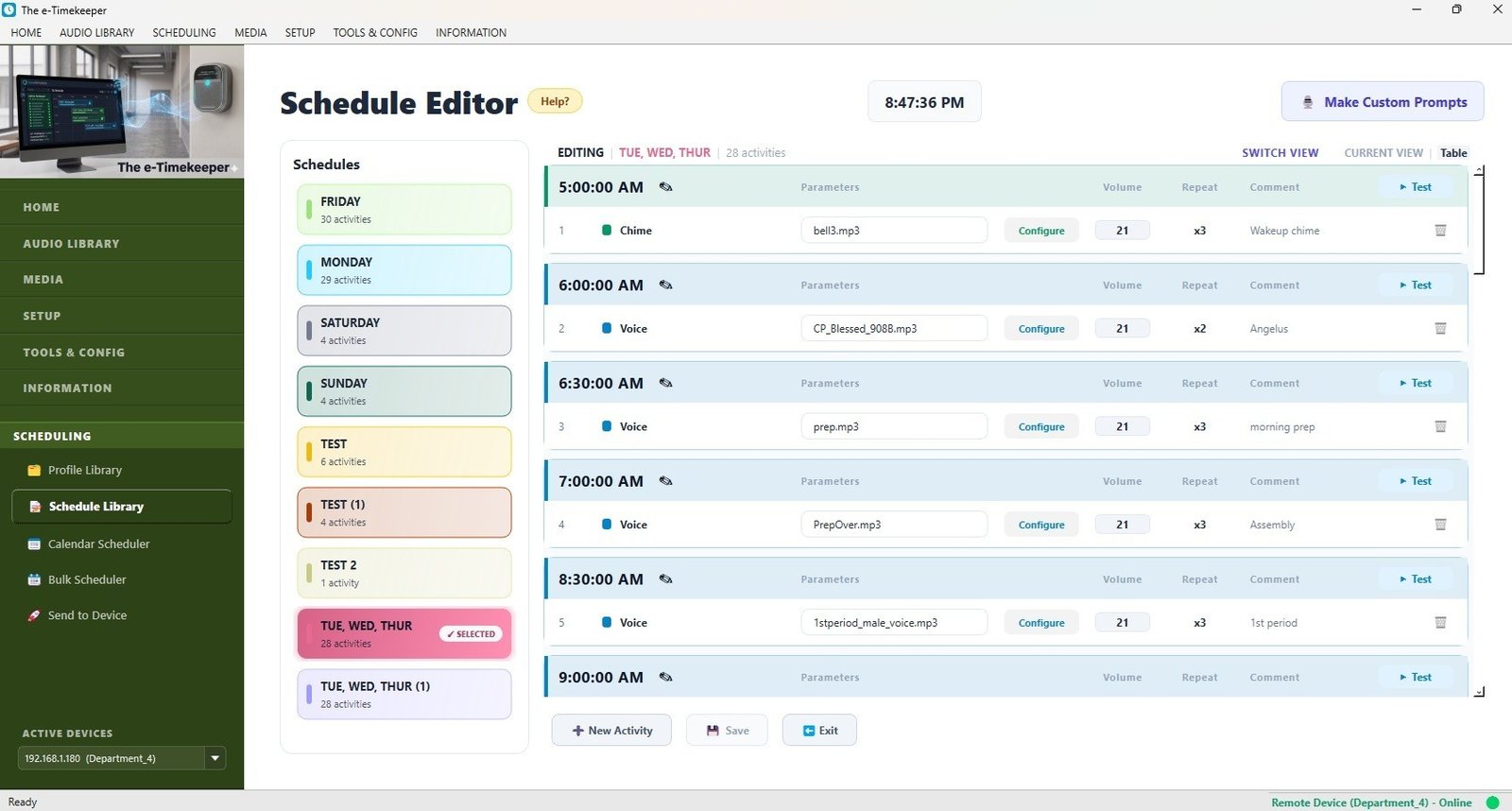
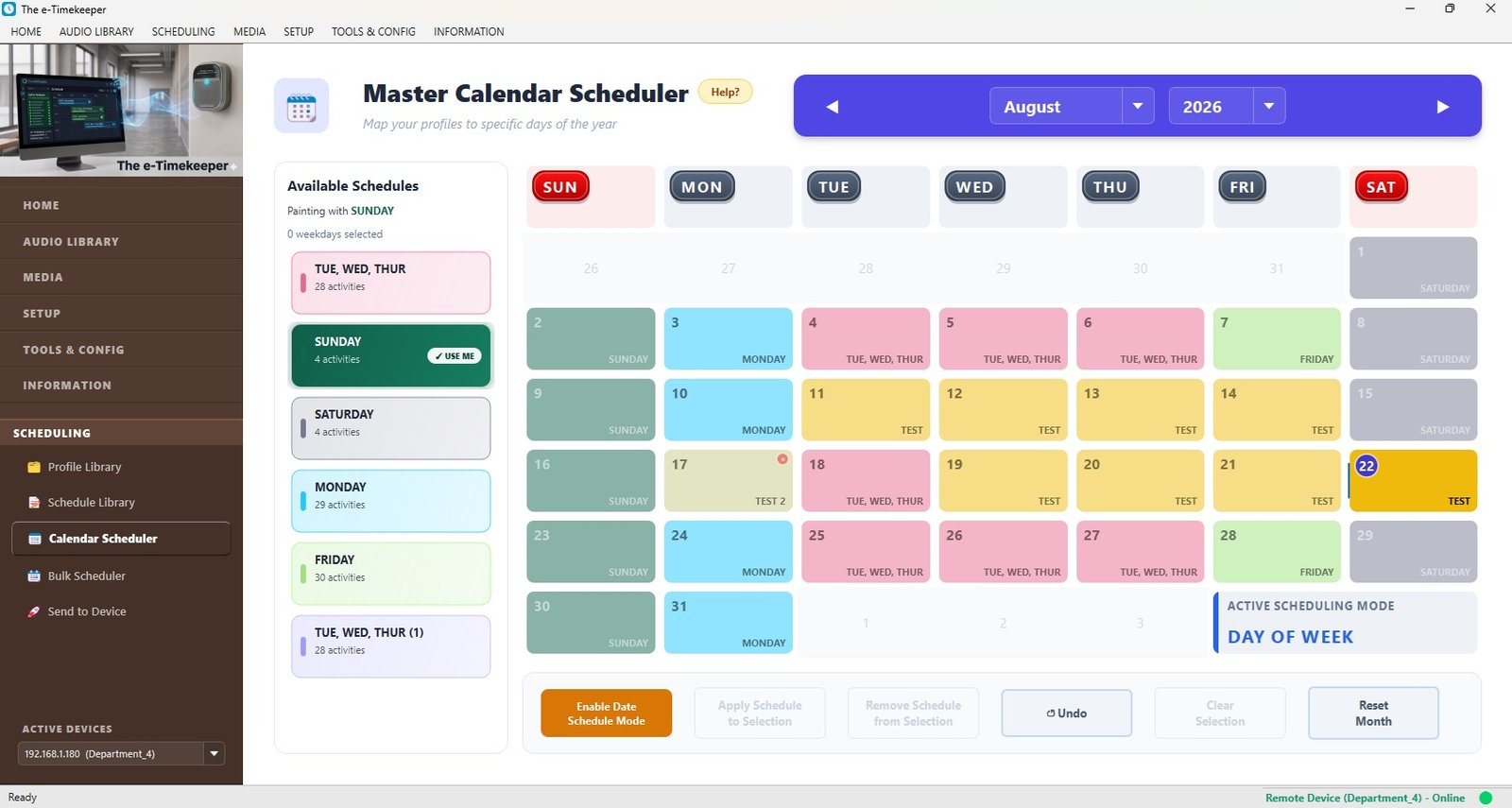
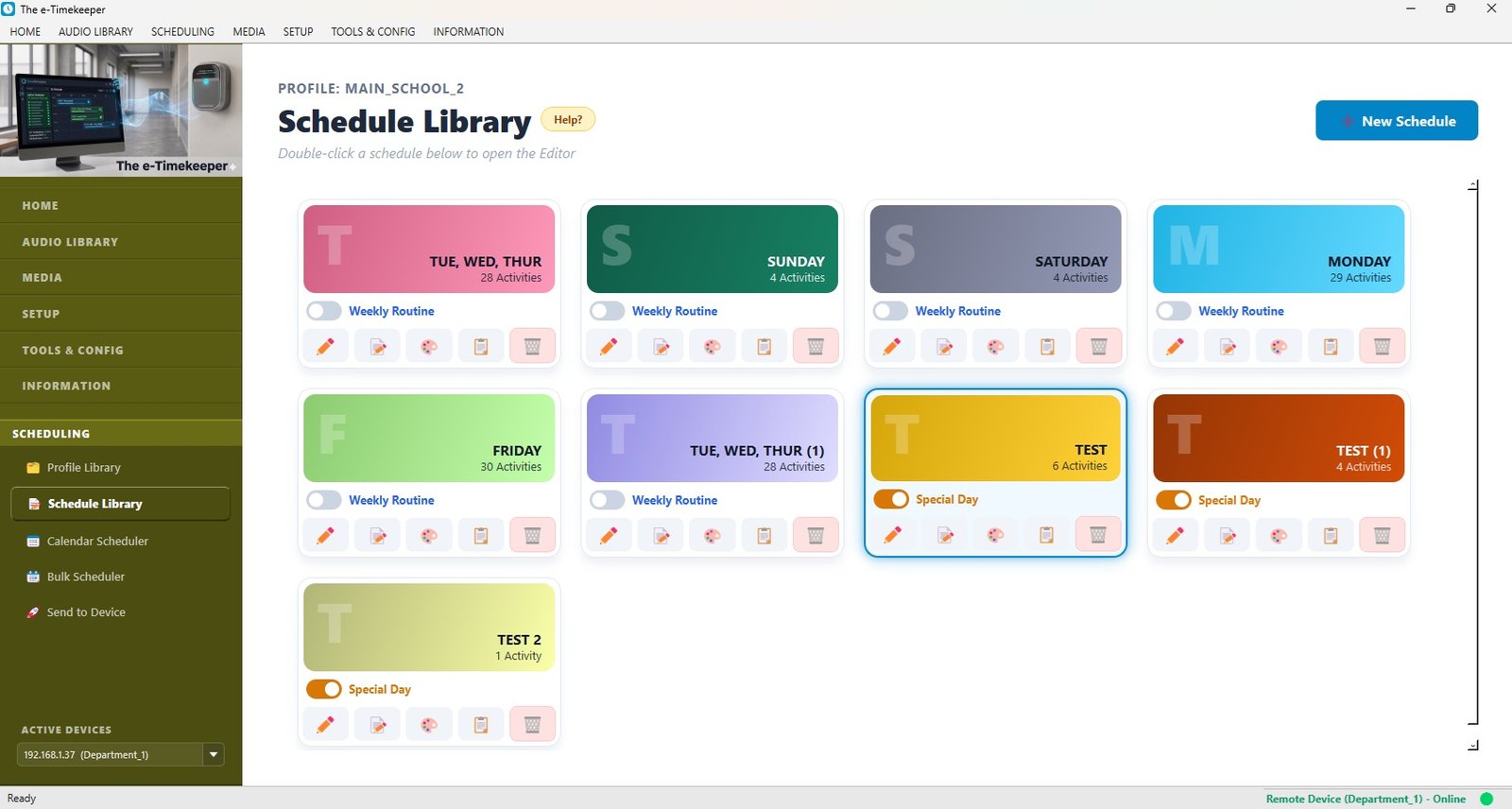
Build your whole term in minutes from a simple app — regular days, exam days, holidays. Then forget about it.

Always on

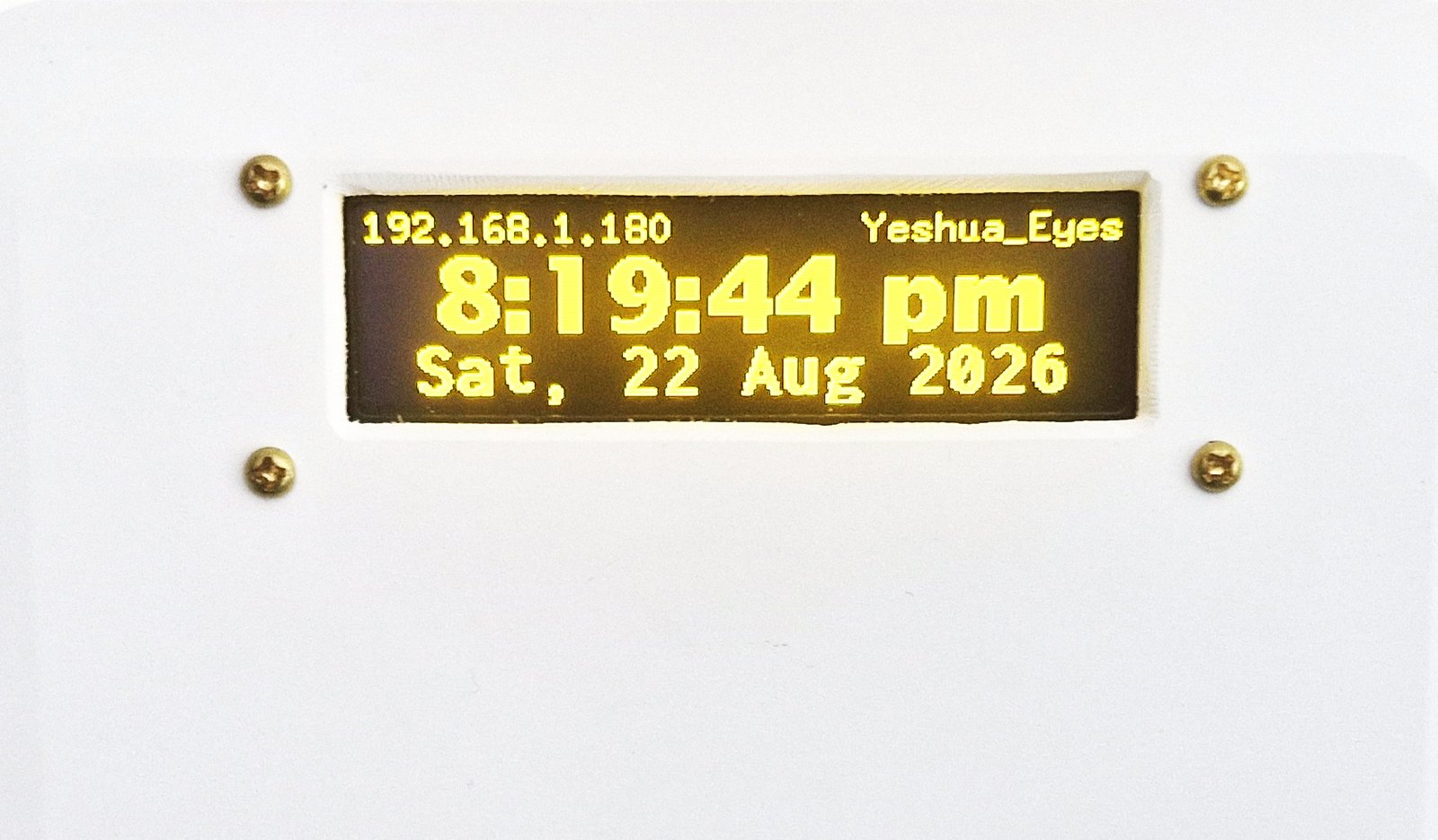
Keeps perfect time and carries on through power cuts. No student to ring it, no PC to leave running.

Properly installed

Mounts on the wall beside your existing PA and wires straight in — part of your building, not a gadget to mind.

How it works

Three steps, then it takes over.

It gets installed

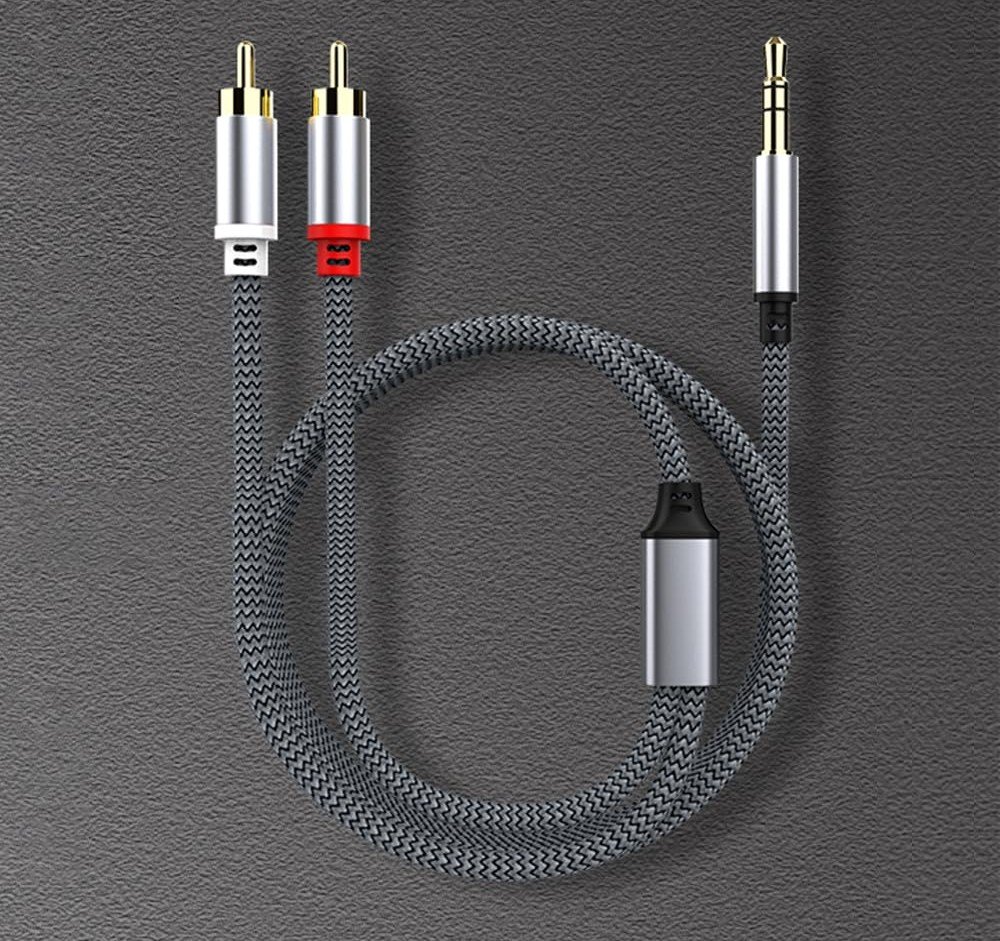
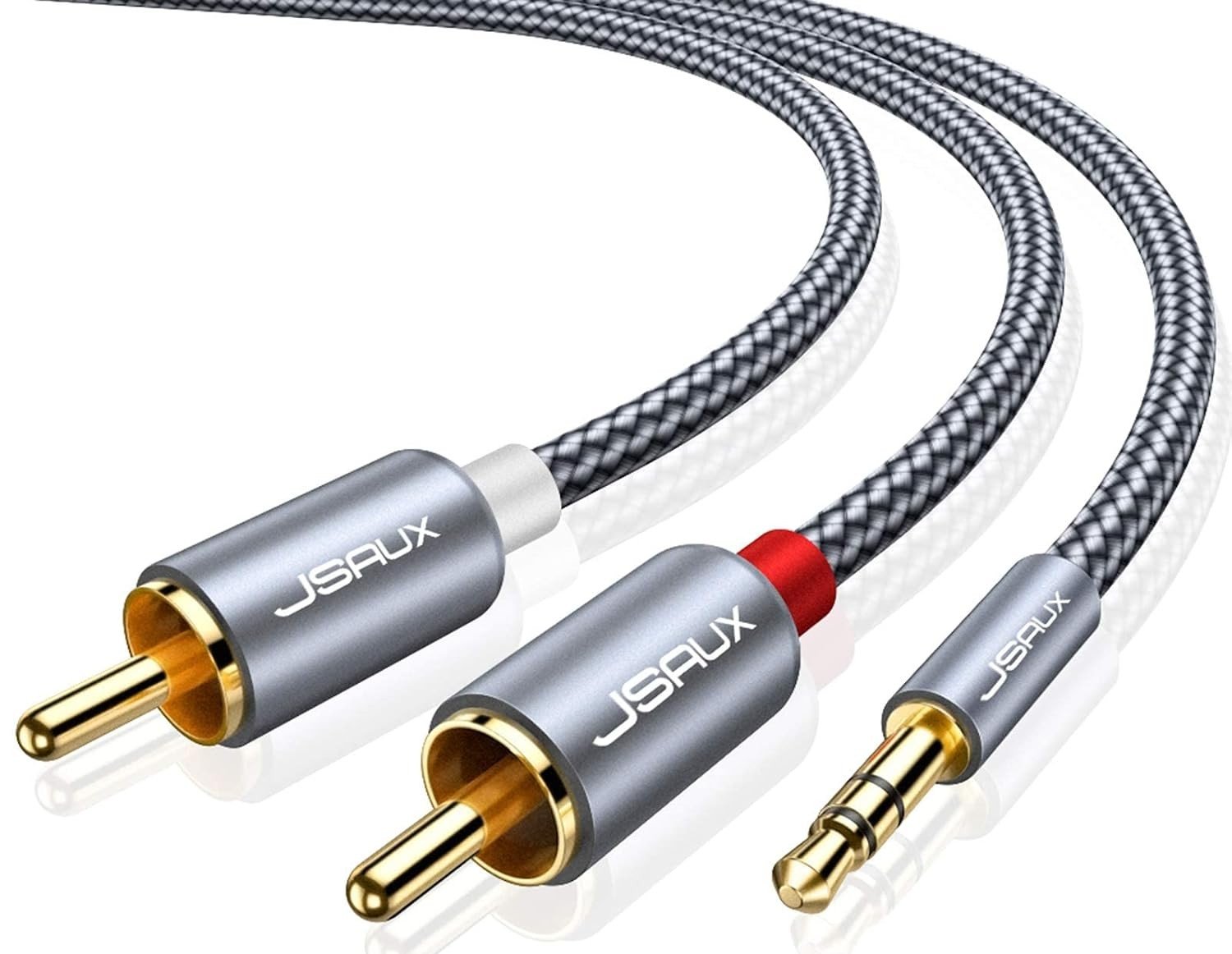
The device mounts on the wall beside your PA system and connects with a standard audio cable — a clean, permanent fit.

[ Install photo: device on wall, cable to PA ]

You set the schedule

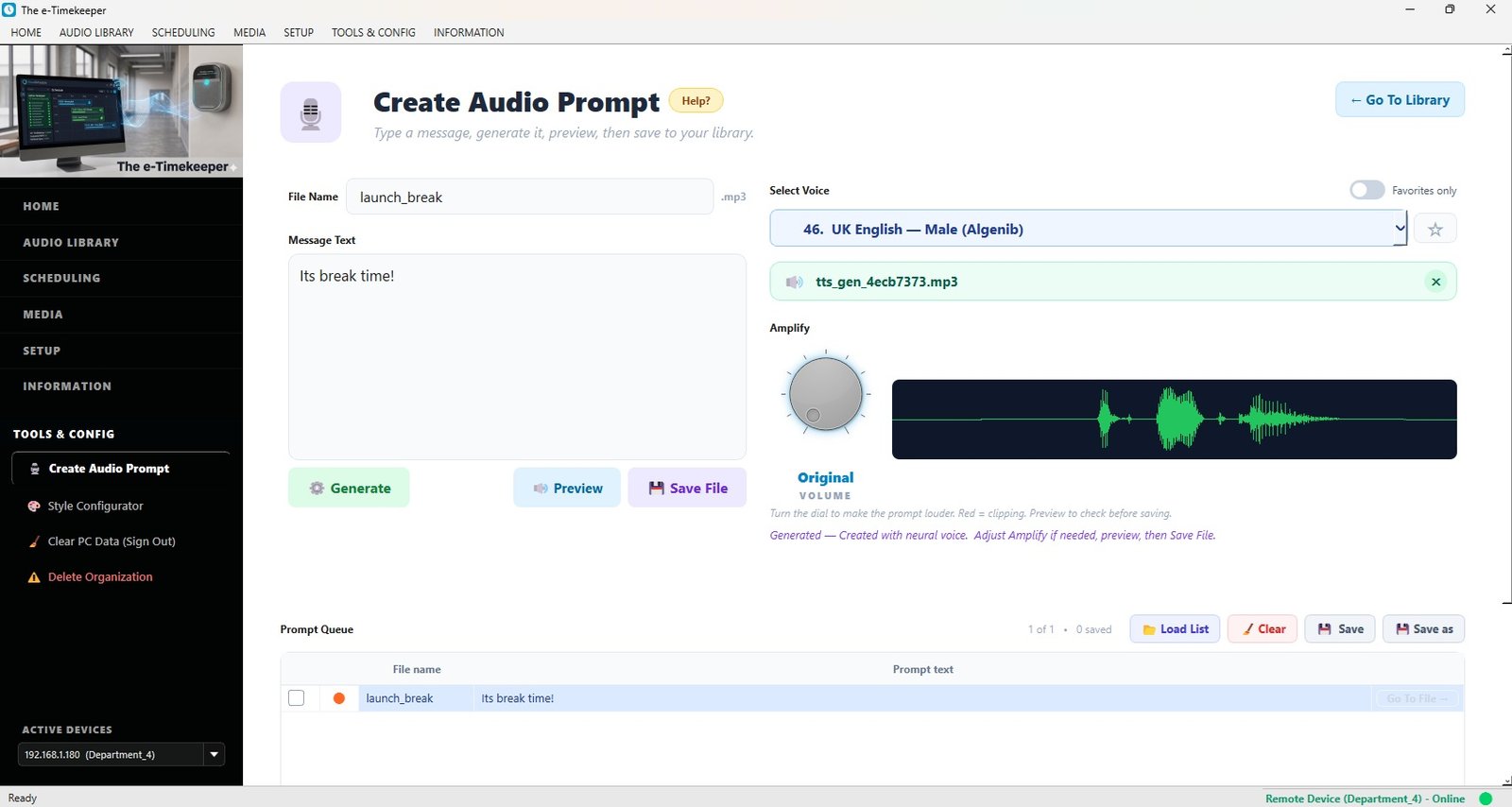
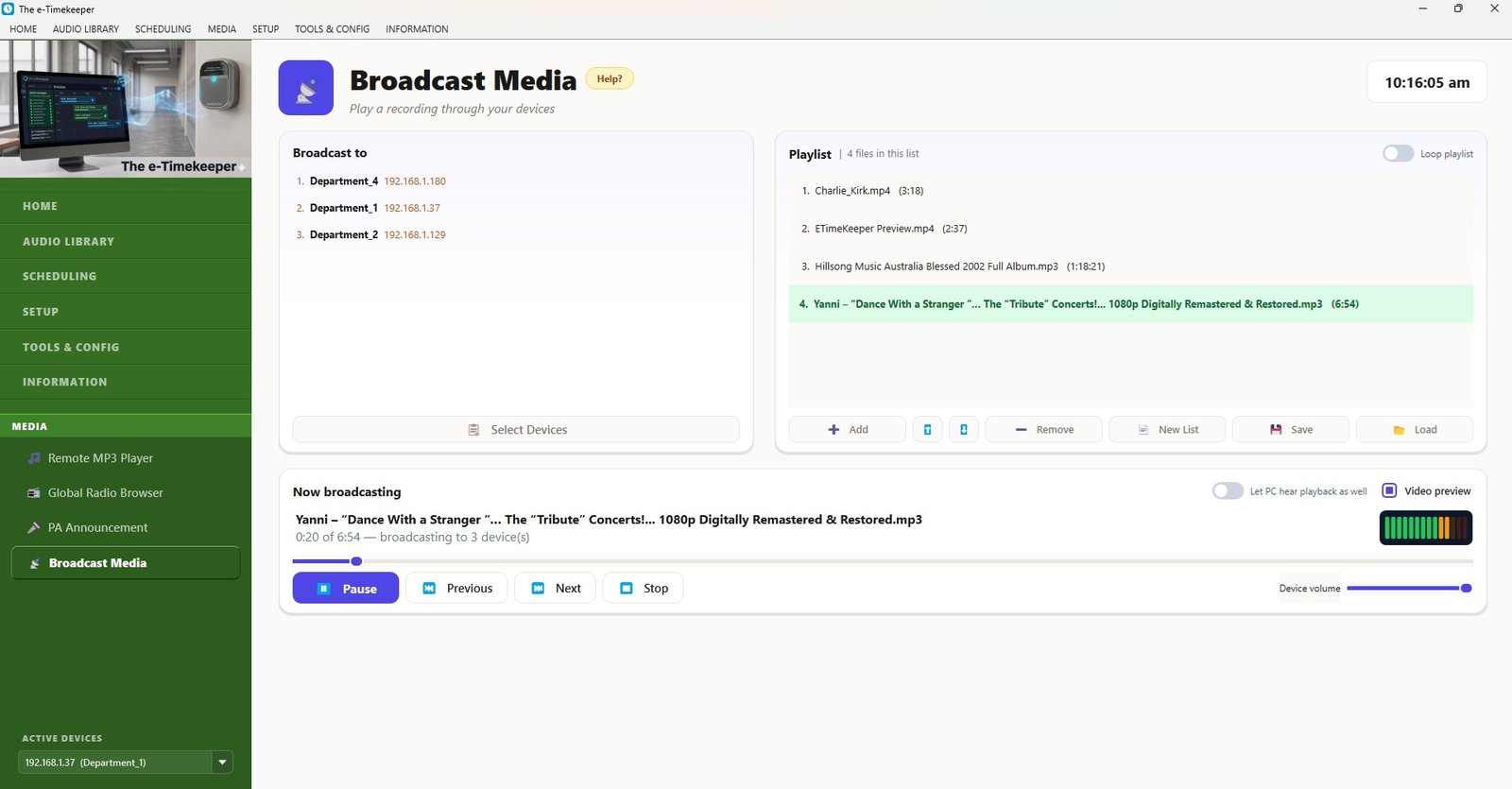
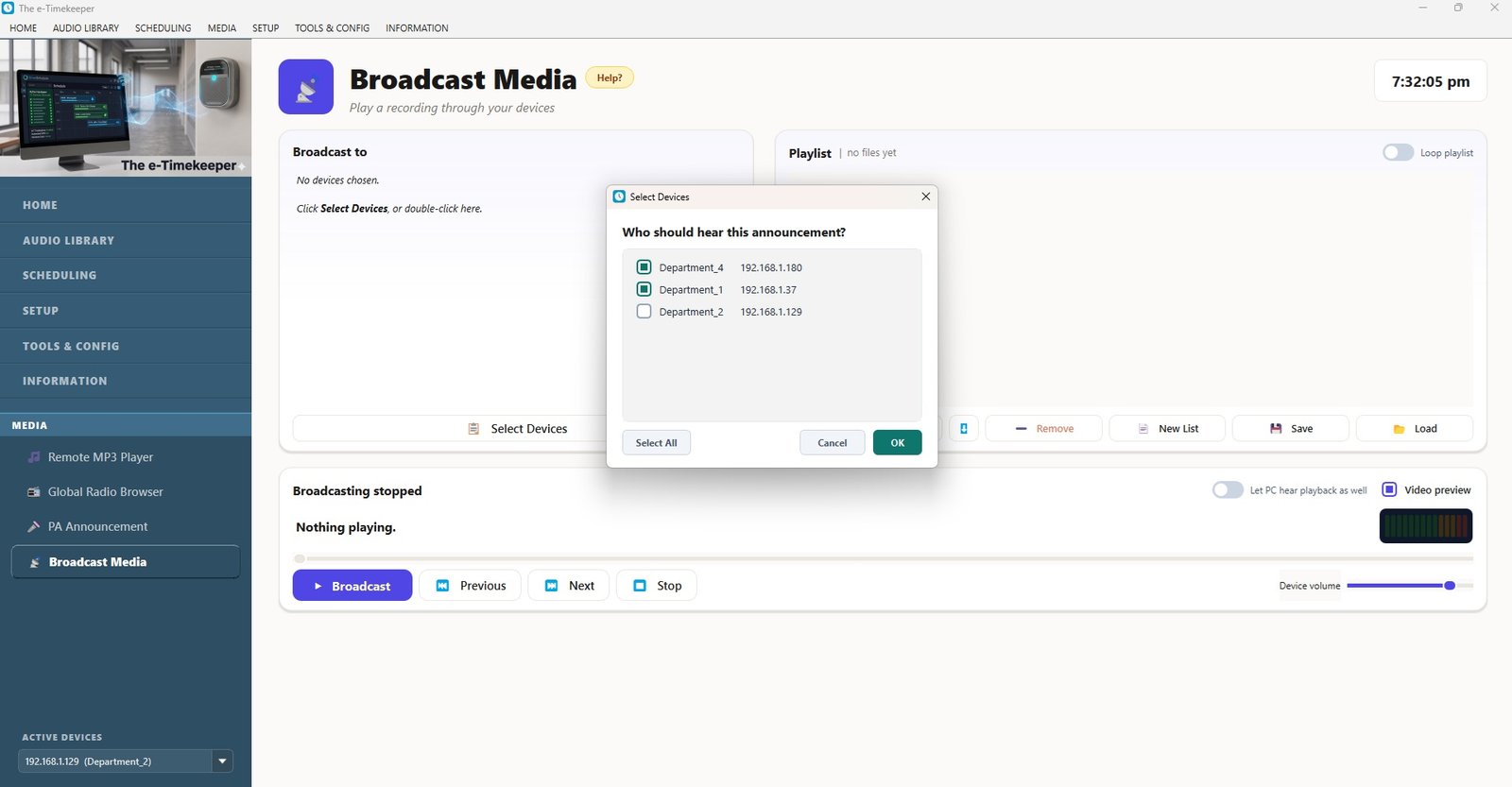
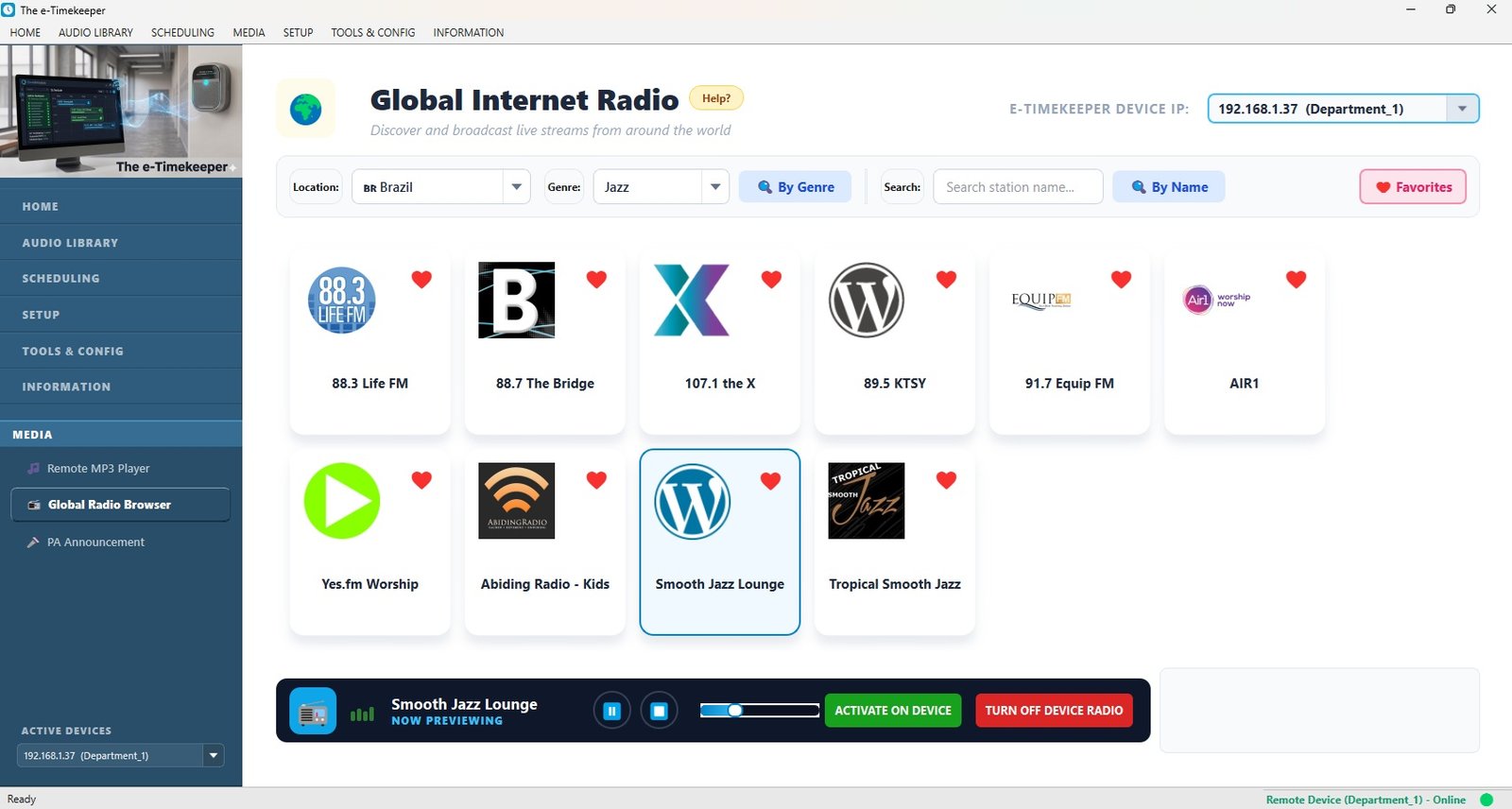
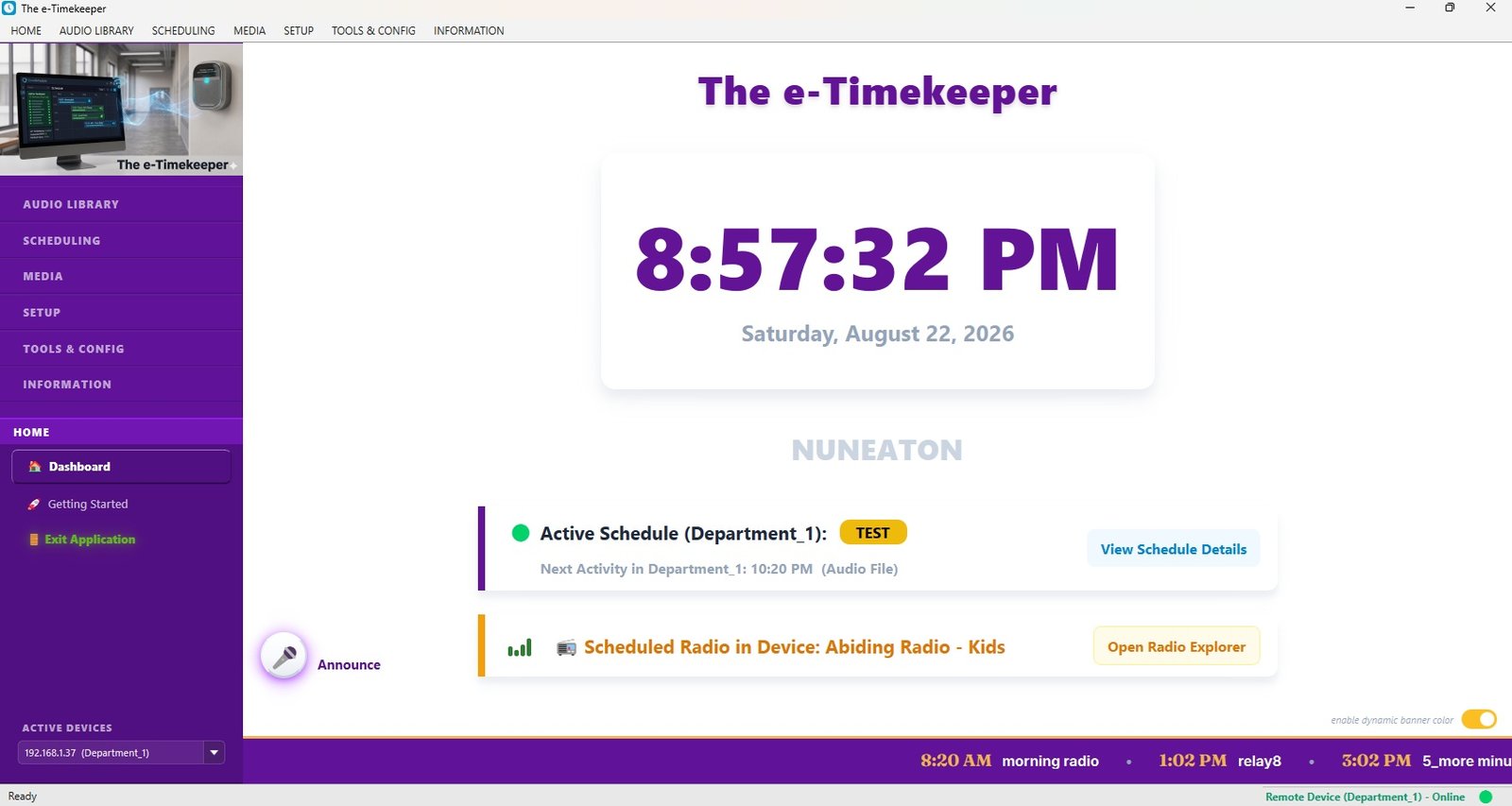
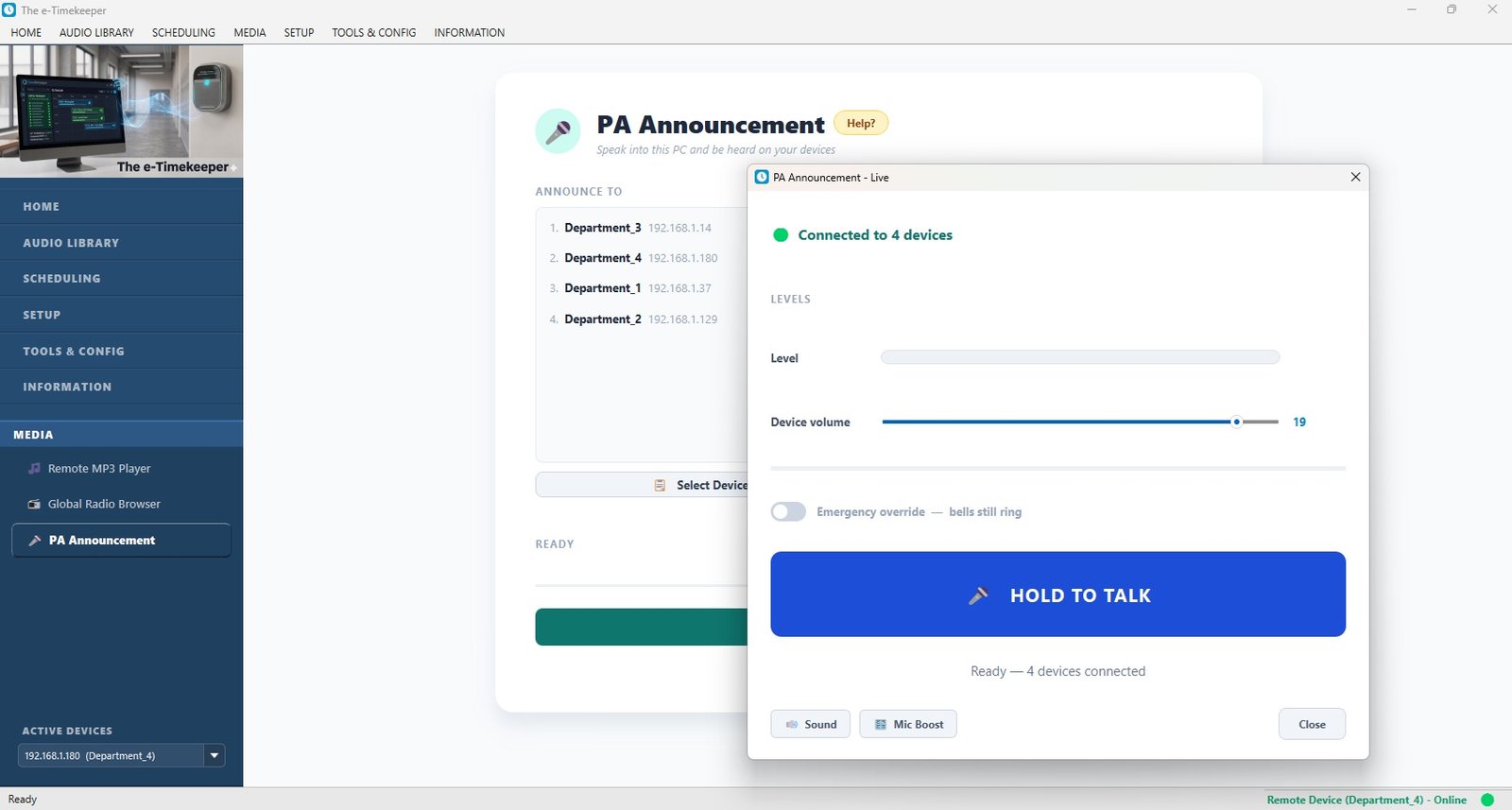
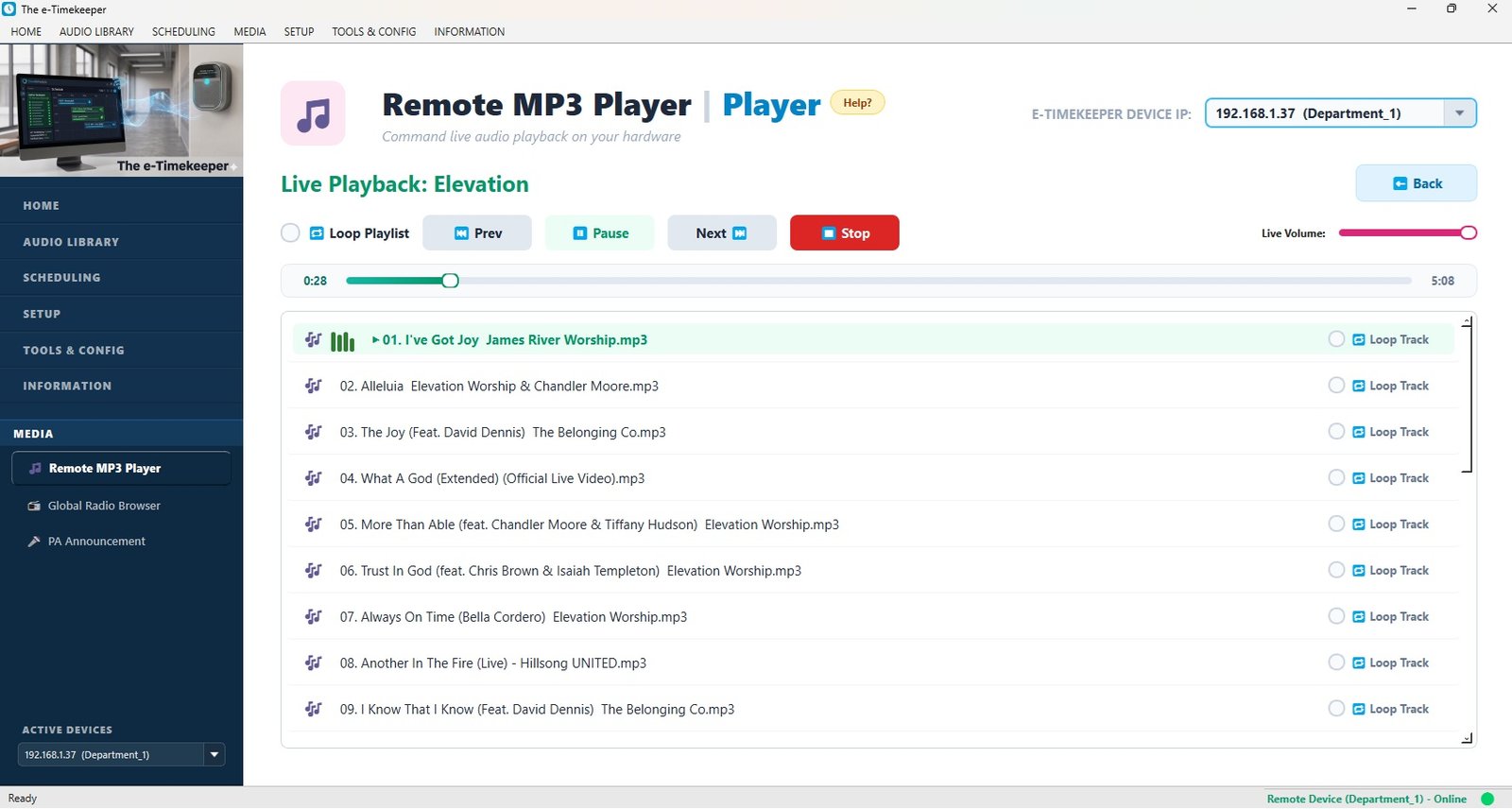
Using the app, you enter your bell times and announcements once, and map them to your calendar.

[ Screenshot: the scheduling app ]

It runs itself

From then on it sounds every bell and announcement on time, every day — with nothing for anyone to remember.

[ Photo: students between classes / speaker ]
The device

e-Timekeeper Automatic Bell & Announcement System

Complete system

Everything your school needs to automate its bells

  • The e-Timekeeper wall-mounted controller
  • The management app (Windows) — set schedules yourself
  • All audio stored inside the device — no flash drive to lose
  • Connects to your existing PA / amplifier
  • [ 12-month ] warranty & ongoing support
Buy now → Pay by bank transfer / Request a quote

Secure card payment, or contact us to arrange a transfer or school quote.

Choose the right fit

OptionBest for
[ Standard ][ Describe — e.g. a single-building school. ]
[ Extended ][ Describe what's different — capacity / extra features. ]
[ Accessory — audio cable ][ Optional add-on, note if recommended. ]
[ Accessory — mounting kit ][ Install hardware sold separately. ]
Why you can rely on us

A real supplier behind every device.

e-Timekeeper is designed and supported by [Your Name / Company]. Behind it is a real person you can reach — not a faceless app. If you ever need help, you call us, and we make it right.

  • Schools already rely on e-Timekeeper every day
  • [ 12-month ] warranty on every device
  • Ongoing support and updates — we keep your system current
  • Built specifically for schools, with the features schools need
“[ A short line from your first reference school goes here — add it the moment you have one. It is the most persuasive thing on this page. ]”
— [ Name, Role, School ]
Good questions

What schools usually ask

The wall-mounted e-Timekeeper device, the management app, and everything needed to connect to your existing PA system — plus your warranty and our support. [Confirm full box contents.]

It mounts on the wall beside your PA or amplifier and connects with a standard audio cable. [State whether you install it, guide the school, or it's plug-and-connect.]

No. You use the app only to set or change schedules. The device then runs entirely on its own — your computer can be switched off.

The device keeps accurate time and resumes your schedule automatically once power returns.

You can pay securely by card using the Buy now button. If your school prefers a bank transfer or needs a formal quote, just contact us and we'll arrange it.

Every device comes with a warranty and our ongoing support. If there's ever a problem, you contact us directly and we resolve it.

Yes — entirely. You set and change schedules whenever you like from the app, with no special training and no need to call anyone.

Ready to never miss a bell again?

Get e-Timekeeper installed at your school — or talk to us first. We're happy to answer any question.

Prefer to write? [ your email ]  ·  WhatsApp: [ your number ]